How to access Positron via Posit Workbench
Do you want to use Positron to work on your Posit Academy project?
You can access Positron at dev.academy.posit.team, a special instance of Posit Workbench set up for Posit Academy.
Positron access is not yet available for all Academy courses – please check with your mentor if you are unsure.
Log in to Posit Workbench
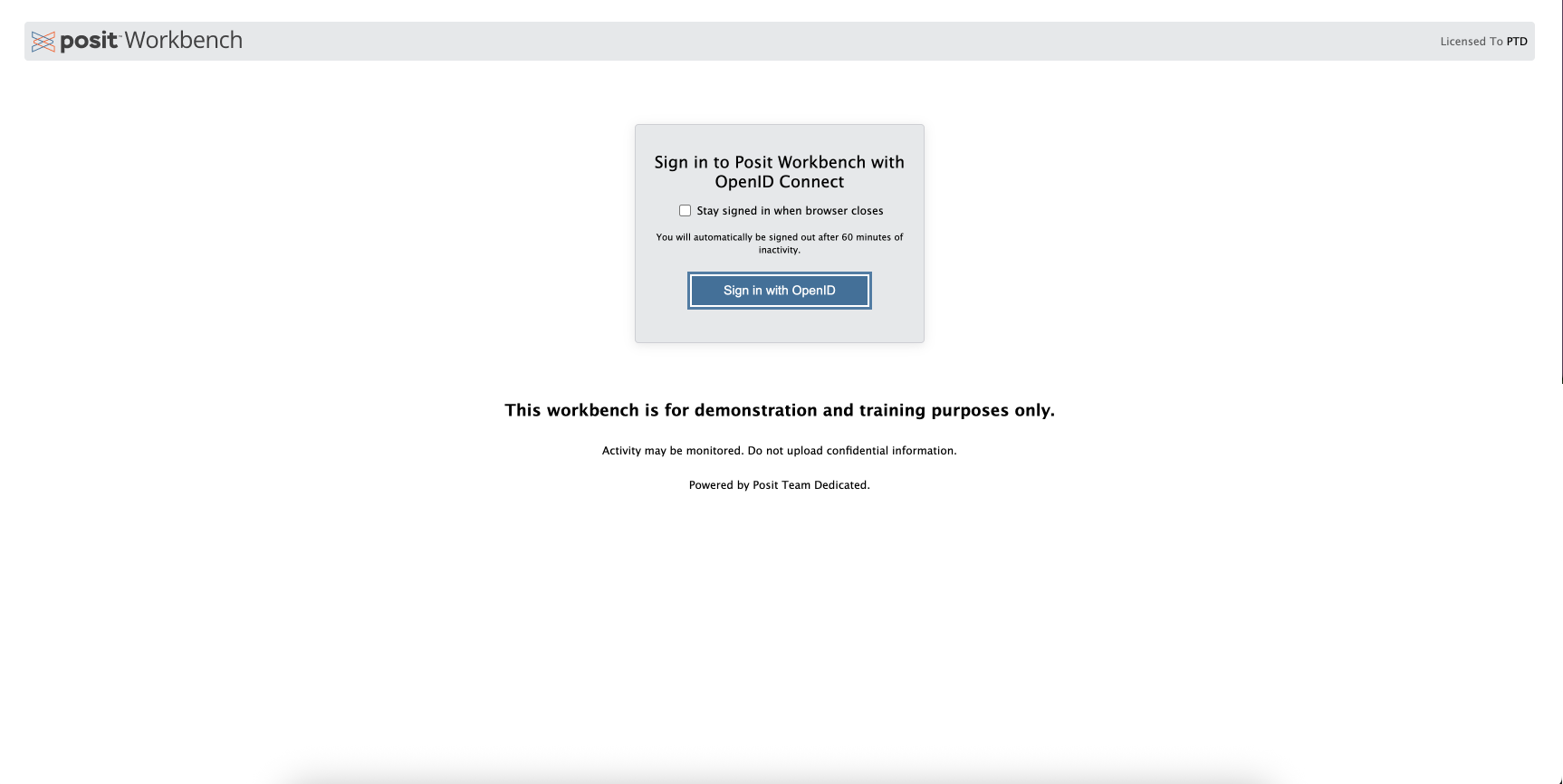
Open dev.academy.posit.team in your browser. Click Sign in with OpenID.
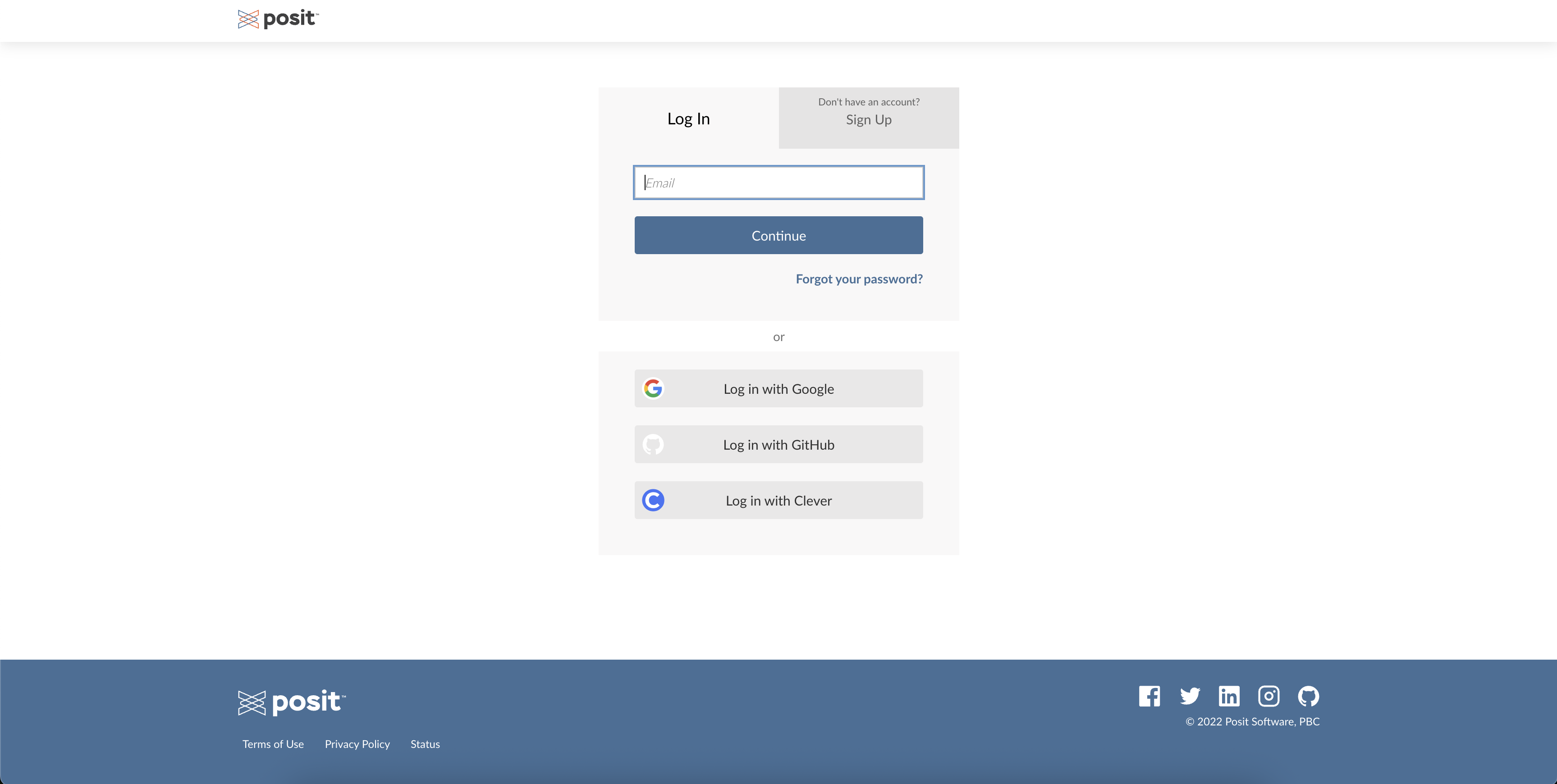
Log in with your Posit Cloud credentials. These are the same credentials you use to log into your Academy campsite.
 Note
NoteIf you are already logged into your Academy campsite, you will automatically bypass this screen, as you will not need to log into Posit Cloud again.
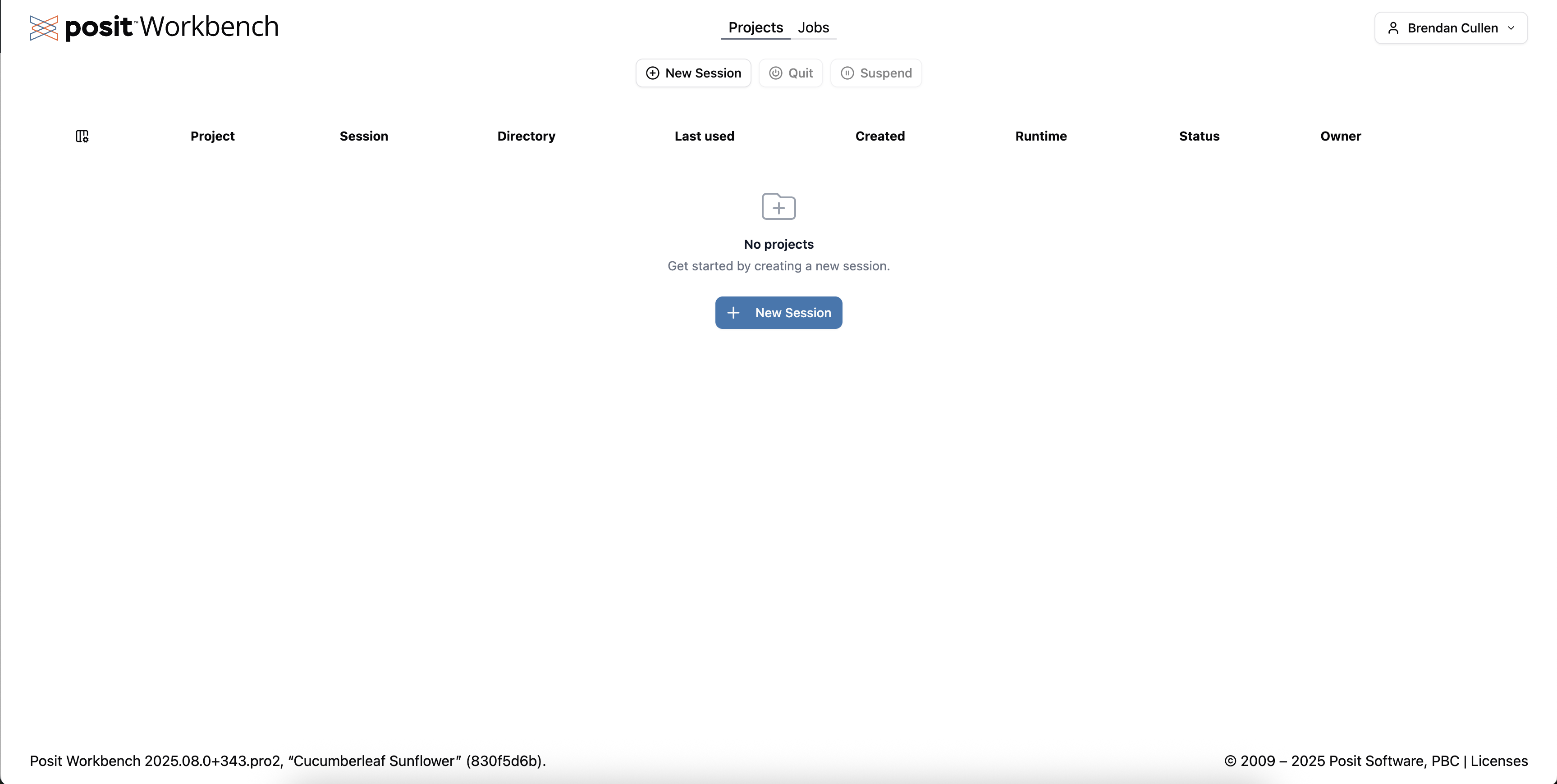
This will open Posit Workbench. From here you can click New Session to launch a new Positron session.
For next steps, see How to: Set up your Academy project in Positron.